Workspace
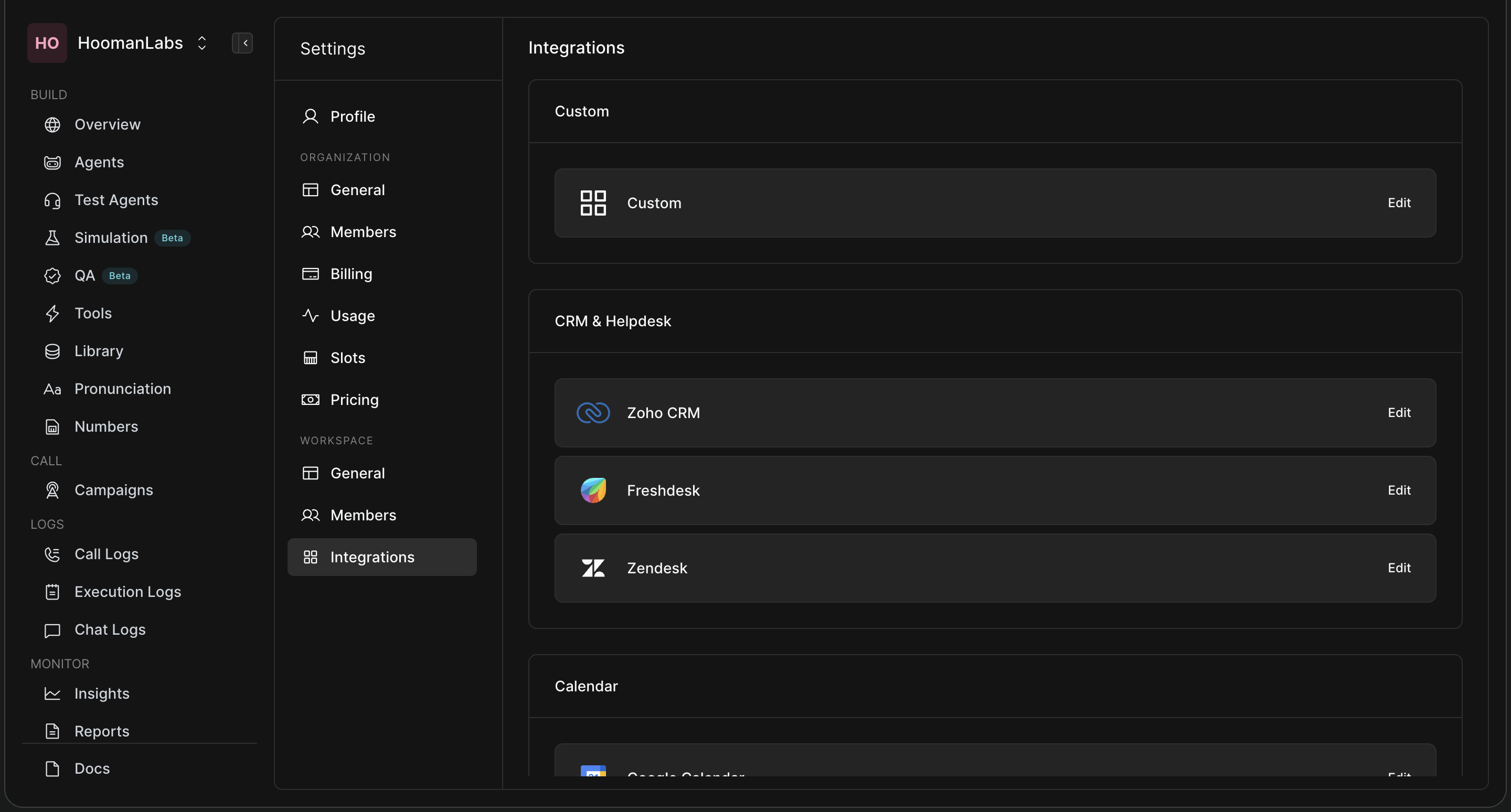
Workspaces allow you to compartmentalise agents and data.
General
-
Workspace ID: Used for API routing specific to this workspace.
-
Mask Phone: Toggle this on for privacy. It obscures customer phone numbers from your human team members (showing only a few digits), which is useful if many users have access to the workspace.
-
Timezone: Set the default operating timezone for the workspace.
-
API Key: Generate or regenerate the secure Bearer token needed to interact with this specific workspace programmatically.
Members
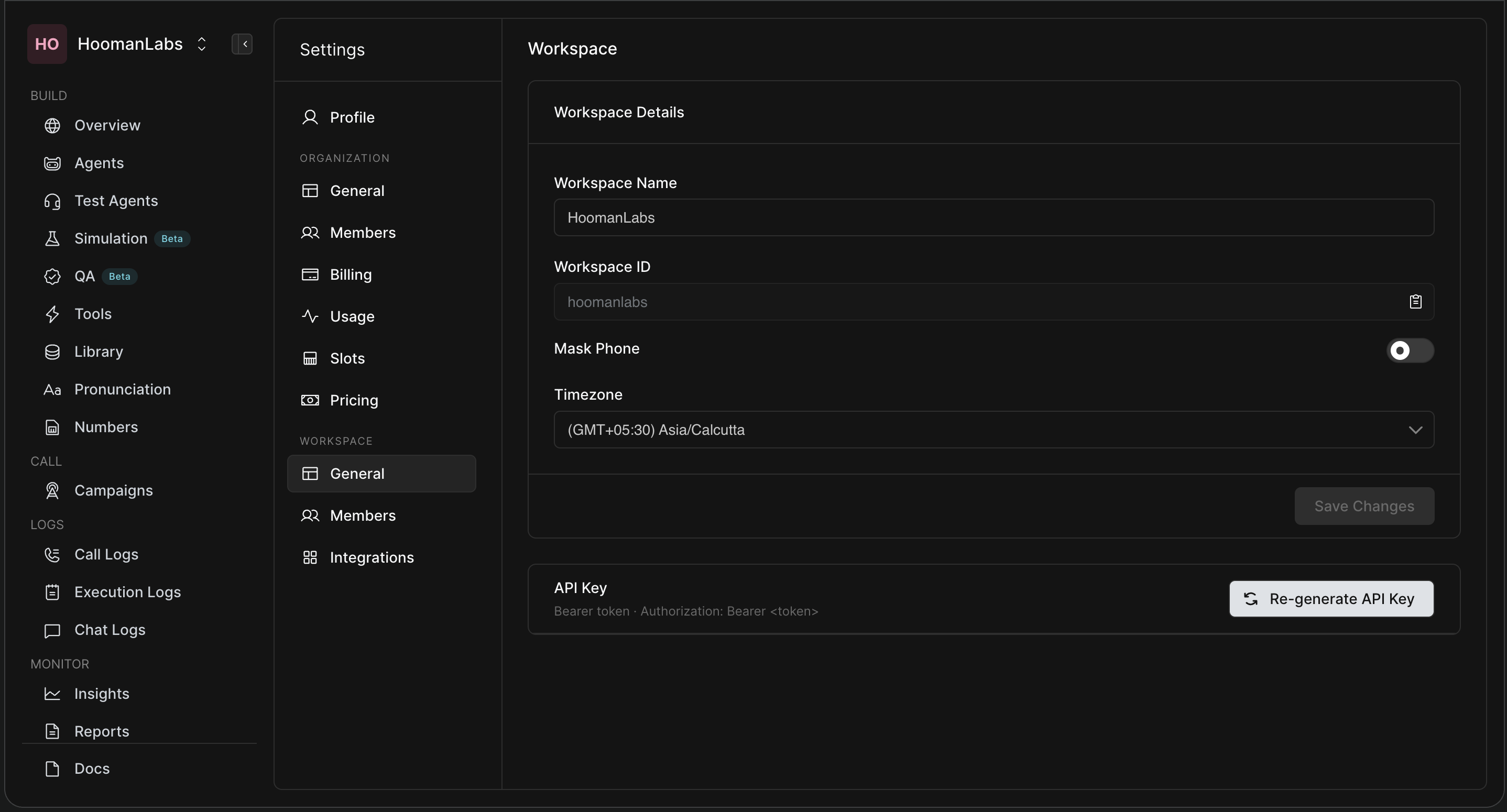
Manage access to the specific Workspace.
-
Requirement: To add a user to a Workspace, they must already be invited to and part of the main Organization.
-
Roles: You can assign users as either a Workspace Admin or a Workspace Member, granting them tailored permissions isolated to this specific project.
Integrations
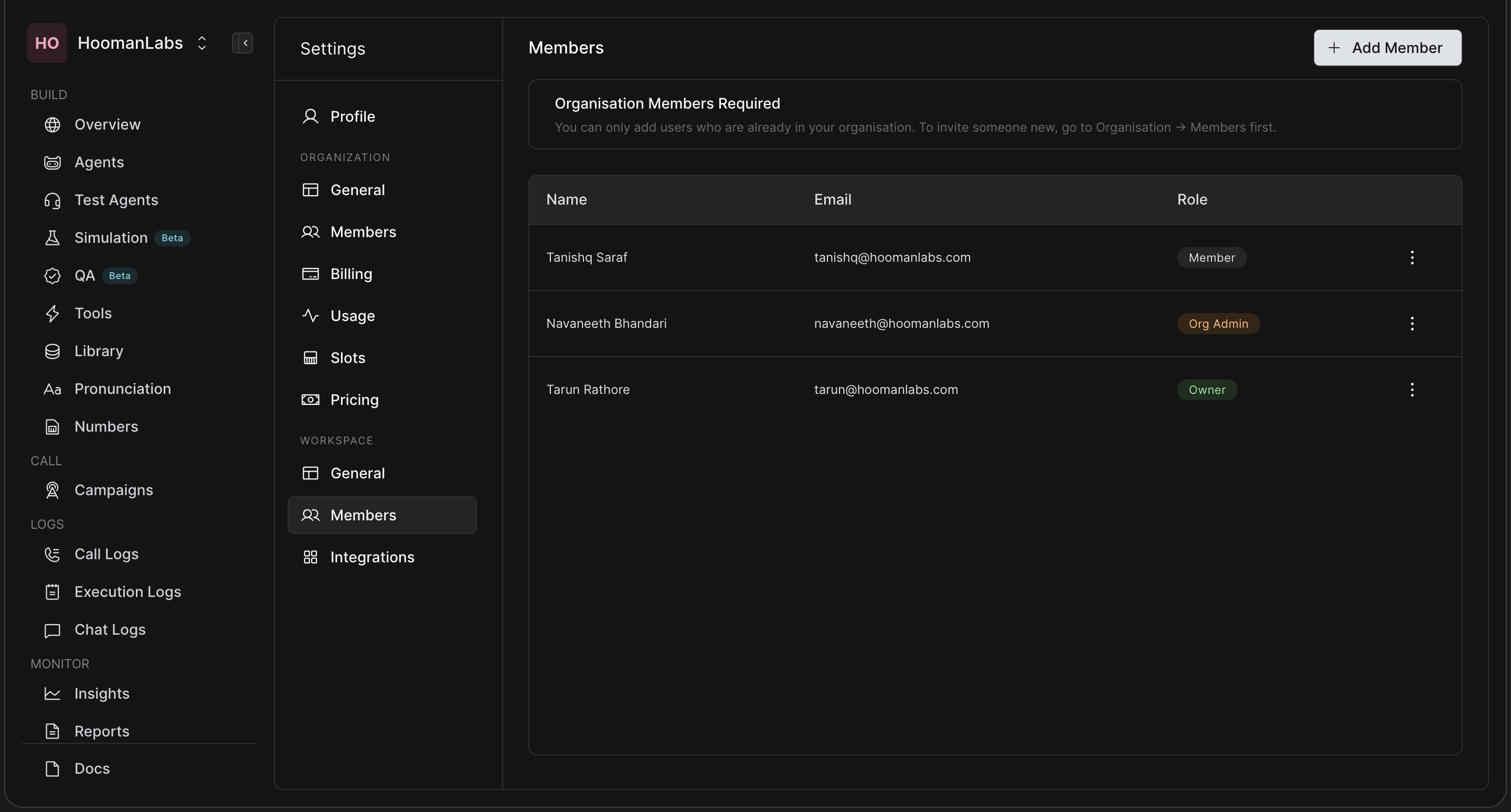
Connect your Workspace agents directly to your existing tech stack.
-
Authenticate and configure tools like Zoho CRM, Freshdesk, Zendesk, or set up custom webhooks and calendar integrations to allow your agents to push and pull data dynamically during calls.